Step 1: Tap your profile picture
Tap the profile picture in the top left corner of the city screen (marked with an arrow in the image). The My Profile window opens.
TipHave your code ready first: the list of current codes is in our Gift Codes post.
The screenshots show the game in Turkish, so menu names on your screen may differ slightly. The red frames show exactly where to tap.
Tap the profile picture in the top left corner of the city screen (marked with an arrow in the image). The My Profile window opens.
In the menu at the bottom of the My Profile window, tap the Settings icon.
In the Settings window that opens, tap the Redeem Code option.
In the Gift Code window, type or paste the code into the box (1), then tap the Confirm button (2). The reward is sent to your game account.
Tap the profile picture in the top left corner of the city screen, open Settings in the My Profile window and tap Redeem Code. Type the code in the Gift Code window and tap Confirm.
Our list of current codes is in the Z Route Redemption Gift Codes post. Use the Copy button next to a code to copy it and paste it into the game.
Make sure you entered the code in capital letters and without spaces. The code may have expired; in that case, try the other codes in the list.
No. A gift code can only be used once per account.
No. Gift codes are free; you only need to enter the code in the Redeem Code section of the Settings menu.
Ask a new question about this page, or ask a follow-up under any answer. The questions we answer are published in this section.
No questions have been answered on this page yet. Be the first to ask!
How to Play
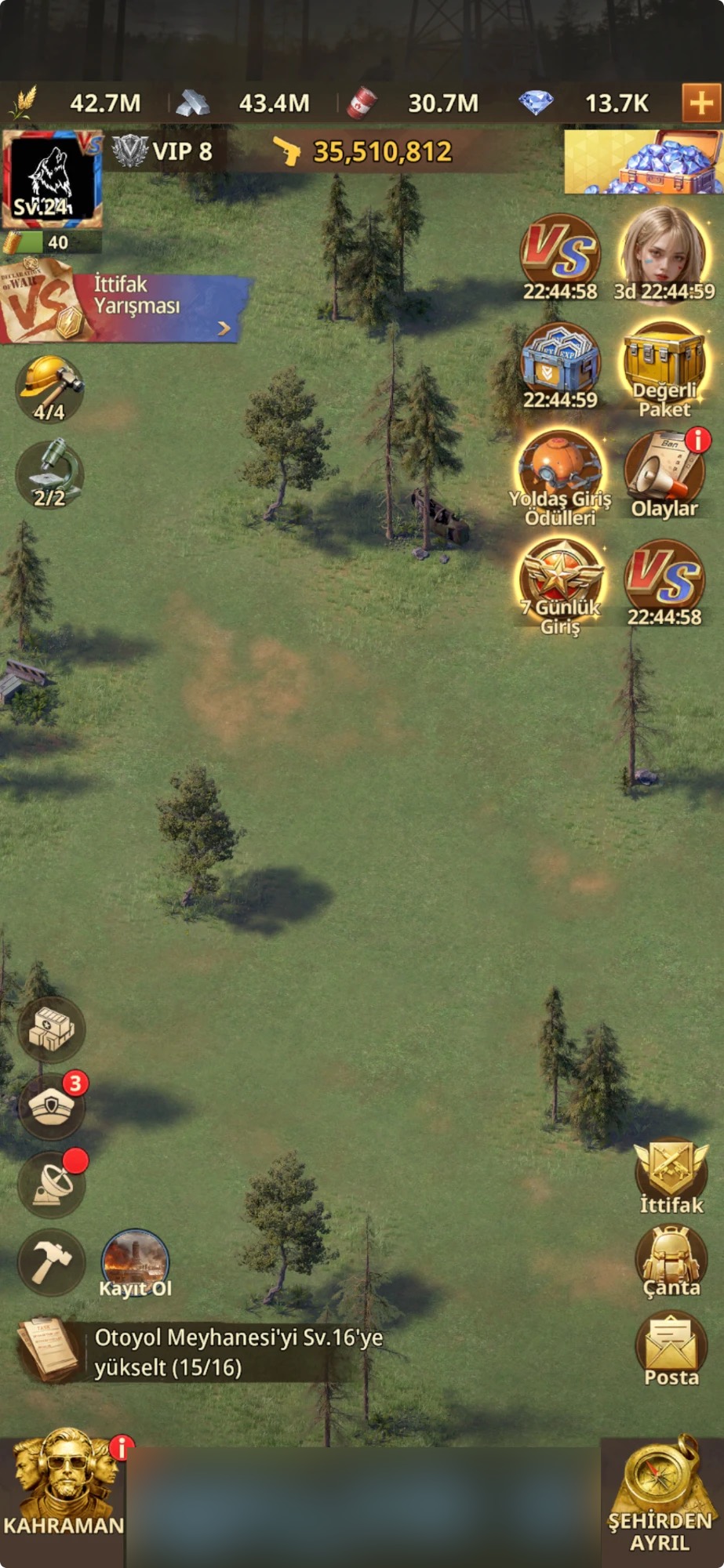 How to Play · 5 stepsHow to open VS tasks in Z Route RedemptionVS (Alliance Competition) is an event in which alliances from two servers compete for points across six phases. This guide walks you through the VS screen, each day's tasks and how points are earned, step by step.Open guide →
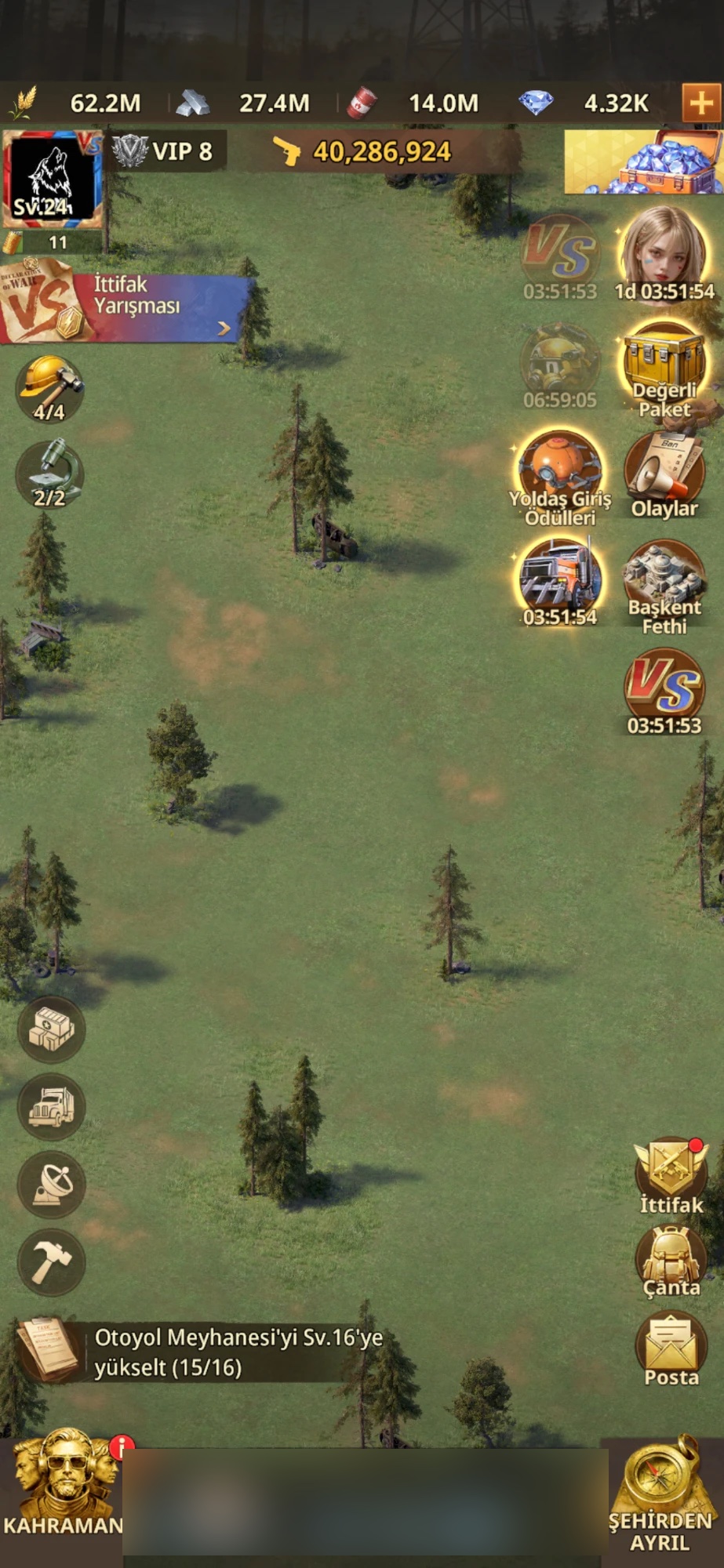 How to Play · 5 stepsHow to apply for minister positions in Z Route RedemptionYou apply for a minister position through your profile picture, your server number and the position you choose. When your turn comes, you hold the position and get its bonuses: construction and research speed, resource production, training and hospital bonuses.Open guide →