
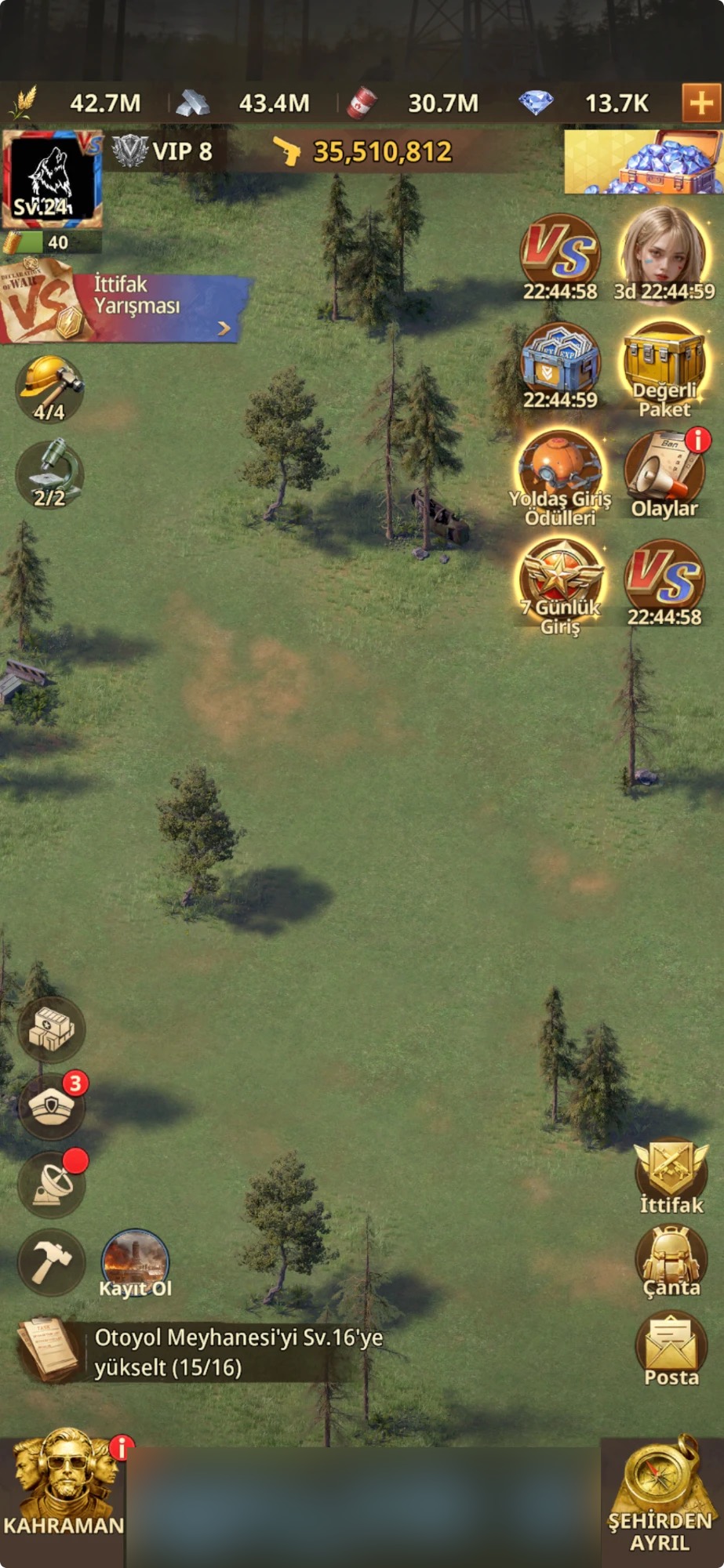
Step 1: Tap your profile picture
Tap the profile picture in the top left corner of the city screen (marked with an arrow in the image). The My Profile window opens.
TipYour Base must be at least Lv.16 to apply for minister positions.
How to Play · 5 steps
You apply for a minister position through your profile picture, your server number and the position you choose. When your turn comes, you hold the position and get its bonuses: construction and research speed, resource production, training and hospital bonuses.
The screenshots show the game in Turkish, so menu names on your screen may differ slightly. The red frames show exactly where to tap.
Tap the profile picture in the top left corner of the city screen (marked with an arrow in the image). The My Profile window opens.
In the My Profile window, tap the server box that shows your server number (#116 in the example). Your server's office screen opens.
The top of the office screen shows the server's President, and below are six positions: Vice President, Minister of Tactics, Minister of Defense, Minister of Construction, Research Director and Civil Minister. Each card shows the commander in office and the time left in their term. Tap the card of the position you want to apply for. In the example, Minister of Construction is chosen.
The position's window shows the commander in office, the time left in the term and the bonuses this position gives (1). The Minister of Construction gives +50% Construction Speed and +25% Technology Research Speed. When you apply and you are within the first 50, your estimated start date (2) appears at the bottom of the window.
The Auto-Assignment List shows the commanders waiting in the queue and their start times in local time. In the example, the list is full at 50/50 and the commanders in the queue start their terms 5 minutes apart. If you apply while the list is full, you are put on the list; once the list moves and you get into the first 50, you can see your start time.
When your turn comes, you get the bonuses of the position you chose while you are in office. A minister term usually lasts 5 minutes, but the server president can keep it shorter depending on how many applications the server has. The bonuses of each position:
Only commanders with a Lv.16 or higher Base can apply for positions.
No. Each commander can apply for only 1 position at a time. While you hold a position, you cannot apply for another one.
Yes, but if you apply for a position and then withdraw, you have to wait 30 minutes before you can apply for the same position again.
If the President or the Vice President approves your application, you enter the auto-assignment queue, which holds up to 50 commanders. Commanders in the queue are assigned in order and get the position's bonuses while in office. If the queue is full at 50/50, your application is put on the list; once the list moves and you get into the first 50, you can see your start time.
A minister term usually lasts 5 minutes, but the server president can keep it shorter depending on how many applications the server has. The bonuses don't affect work that is already running; they only apply to work you start while in office. For example, as Minister of Construction your ongoing constructions don't get shorter, but the constructions you start while in office do.
Ask a new question about this page, or ask a follow-up under any answer. The questions we answer are published in this section.
No questions have been answered on this page yet. Be the first to ask!
How to Play
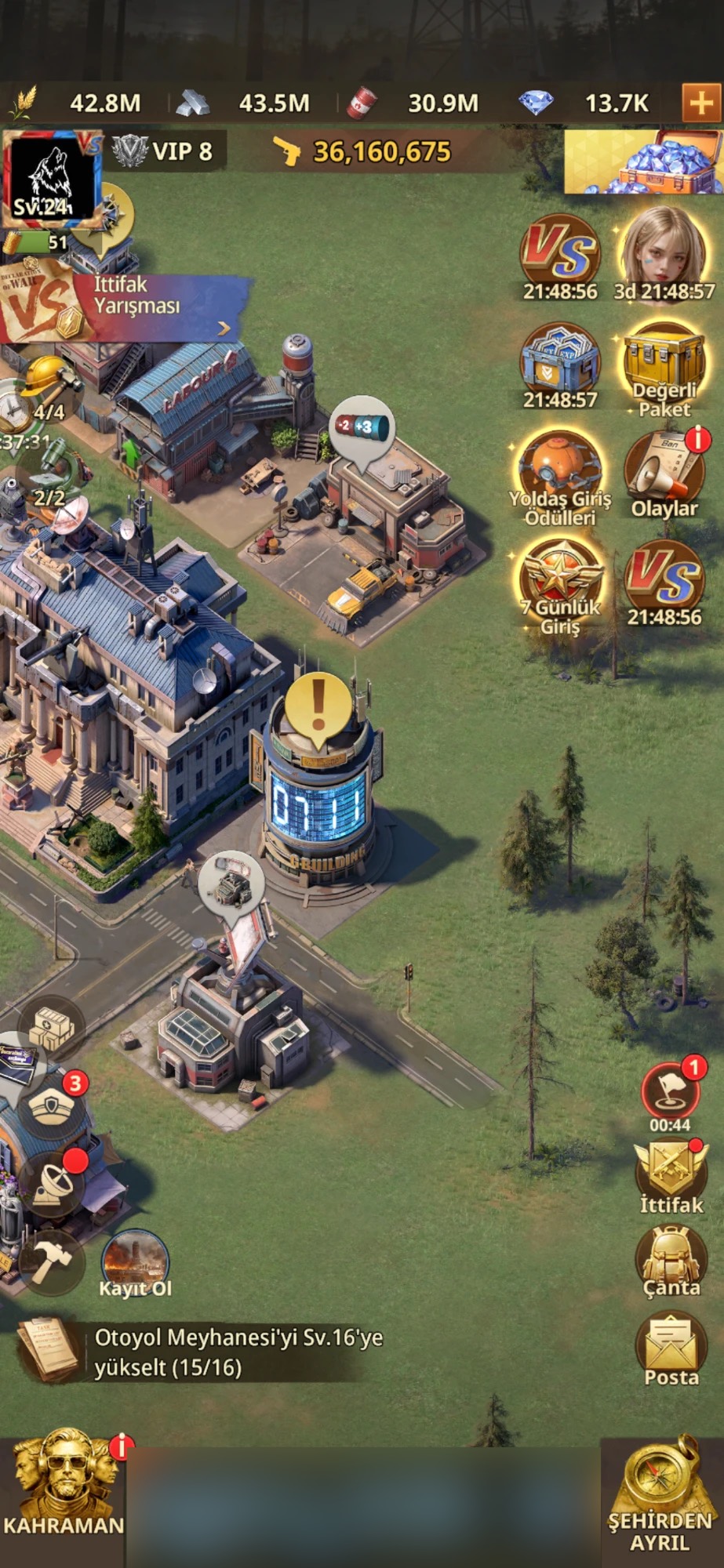
 How to Play · 5 stepsHow to open VS tasks in Z Route RedemptionVS (Alliance Competition) is an event in which alliances from two servers compete for points across six phases. This guide walks you through the VS screen, each day's tasks and how points are earned, step by step.Open guide →
 How to Play · 4 stepsHow to redeem a gift code in Z Route RedemptionYou redeem a gift code in four steps: profile picture, Settings, Redeem Code, Confirm. You can find the list of current codes in our Gift Codes post.Open guide →